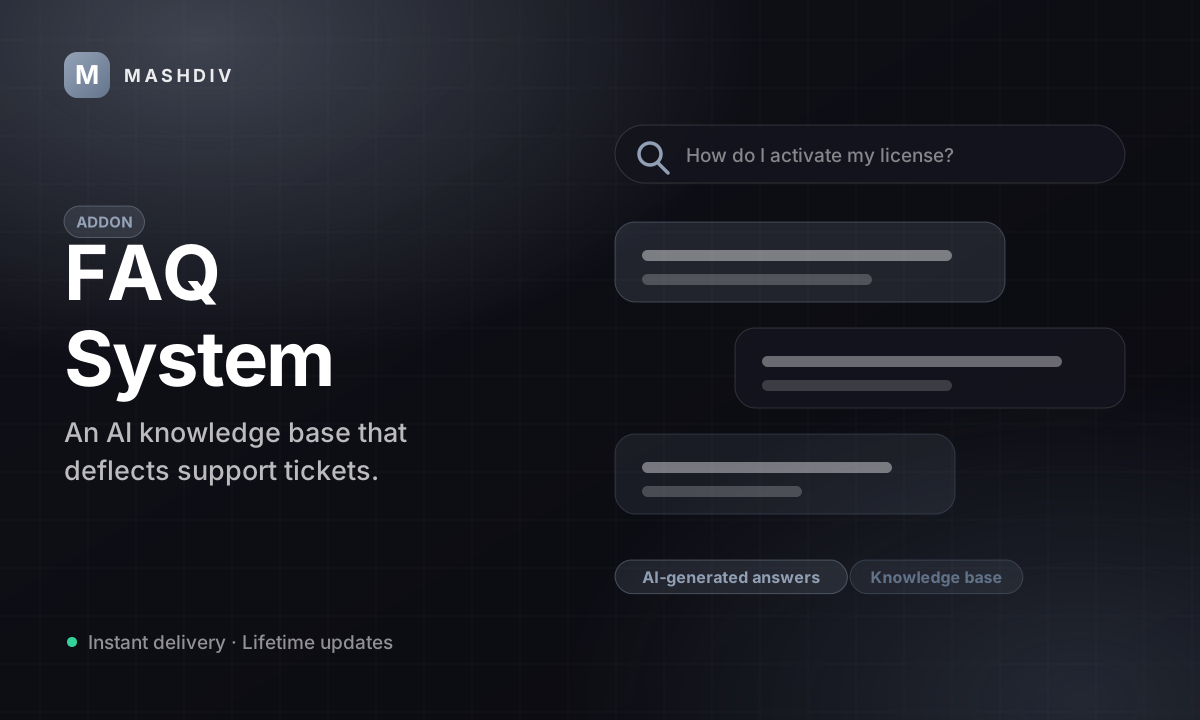
FAQ System for Bicrypto
A searchable help centre in your own database, and a queue of the questions your library does not answer.
- Search that records every query with the number of results it returned
- A ranked list of the queries that found nothing — your content plan
- Helpful / not-helpful votes, one per reader per article, with comments
- A ranked list of the answers readers vote down, so you fix the worst first
- A submitted-question queue that emails the asker when you answer it
- One Convert click turns an answered question into a published article
- Page paths group the library: enable, disable, move or delete a page at once
- Drag to reorder inside a page, rewritten in a single transaction
- Six optional DeepSeek helpers: draft, improve, answer, tag, relate, summarise
- A guided troubleshooter for readers who do not know what to search for
- Twelve permission keys split reading, writing, questions and feedback
- No cron job and no websocket — a stopped worker cannot break any of it
Inside FAQ & Knowledge Base
A help centre you own, in a database you already run
Articles your readers search, votes that tell you which answers are failing, and a queue of the questions your library does not cover — all of it in four tables in your own database, with no external help desk in the loop and nothing that a stopped worker can break.
In detail
A help centre that lives inside the platform you already run. You write the articles, readers search them, vote on whether an article helped, and submit the questions your library does not cover. All four of those live in tables in your own database — there is no outside help desk to pay for and nothing to keep in sync.
How it works
A reader opens /faq and searches. The query is recorded with the number of results it returned, including zero. Opening an article increments its view counter, and a signed-in reader can vote it helpful or not — once, because a second vote updates the first. If nothing matches they can submit a question, which lands in an operator queue as PENDING. You answer it, the asker is emailed, and one Convert click turns that answer into a published article.
The surface you configure
| Where | What is yours to set |
|---|---|
| Article | question, answer HTML, category, tags, image, related reading, published or not |
| Page path | the organising axis — enable, disable, move or delete a whole page at once |
| Order | drag to reorder within a page, rewritten in one transaction |
| Categories | free text; a category exists because an article uses it |
| Access | twelve permission keys, plus one KYC feature gating who may ask a question |
What operators control
Five admin screens: the dashboard, Manage, Questions, Feedback, and a batch AI screen reached from Manage — that last one rewrites published answers in place, with no preview and no undo. The dashboard ranks the articles readers vote down — three responses minimum, below 50% helpful — and lists the queries that returned nothing. Two rate limits are fixed in code: twenty votes an hour and five questions a day, per reader. There is no settings screen, because there is nothing here to configure.
It needs Bicrypto core and nothing else: no ScyllaDB, no second addon, no cron job and no WebSocket channel. Nothing in it can be broken by a worker that stopped overnight.
Six DeepSeek helpers draft, improve, answer, tag, relate and summarise, all optional and all needing a key you supply. Only the answer helper reads your published articles; a generated draft comes from a model that has never seen your fees, so check every number.
Search is a case-insensitive substring match over question and answer text — no stemming, no synonyms, no ranking — so write the words your readers actually type into the article itself. And know this before you go looking for it: inside the platform the addon is called Knowledge Base, and the admin menu has no entry with the word FAQ in it.
The searches that find nothing are your content plan
Every reader search is written down with the number of results it returned, including zero. The dashboard ranks the ten most-run queries across your whole history and flags anything averaging under one result, so the list of things your library does not answer arrives ranked by how many people wanted it, in their own words. Nothing else in the product tells you what is missing rather than what exists.
Search is a case-insensitive substring match over question and answer text — no stemming, no synonyms, no ranking. Put the words readers actually type into the article itself; queries under four characters are not recorded at all.
The answers your readers are rejecting are ranked for you
A helpful or not-helpful vote sits at the foot of every article, with an optional comment of up to a thousand characters, one vote per reader per article. The dashboard turns those votes into a single list: every live article that has collected at least three responses and is below 50% helpful, weakest first, with anything under 25% flagged critical. The headline figure beside the list is the total number of failing answers, not the length of the list, which stops at the worst eight. An article sitting at exactly 50% is not on it — the next thumbs-down puts it there.
Voting needs an account — reading, searching and browsing do not — and is capped at twenty votes per reader per hour. The three-response floor is fixed in code: a new article cannot be ranked as failing until three people have judged it, which is the point, but it also means a quiet corner of your library is never ranked at all.
Six AI helpers — and only one of them reads your library
Draft an article from a topic, rewrite an answer, answer a submitted question from your published articles, suggest tags, suggest related reading, summarise. All six are optional, all six run on DeepSeek with a key you supply, and all six gate on the same permission that lets somebody add an article — so that permission is your spend control. Only the answer helper is grounded in your own content.
A generated draft comes from the model, not from your platform: it has never seen your fees, your networks or your withdrawal times and will state plausible values for all of them. Check every number before you publish. Leave the key unset and everything else still works.
A question you answer once becomes an article that answers it forever
A signed-in reader who finds nothing can submit a question; it lands in an operator queue as PENDING. You answer it and the asker is emailed at the address they gave, plus an in-app notification if that address belongs to an account. Then one Convert click turns your answer into a published article, which is the habit that stops the same question arriving again next month.
It is not a ticketing system. There is no thread, no reply and no screen where the asker can read the answer again — account-specific conversations belong in the support desk. Submitting is capped at five per reader per day and gated by one KYC feature.
Every article belongs to a page of your site
The Manage screen groups the library by page path, picked from a list built by scanning your own frontend's routes, and each section carries a count taken over the whole table rather than the page on screen. Drag an article to reorder it and the destination's whole sequence is rewritten in one transaction; drag it onto another page and that page is renumbered too. Enable, disable or delete every article on a page path in a single action, and move a page's articles to another page from the same header. The public list endpoint accepts that same path and returns the articles in the order you set.
The shipped help centre at /faq lists the whole library. A page of your site shows only its own articles if you call the list endpoint with that pagePath from the page yourself — there is no switch for it. Deleting a page's articles is a soft delete, so the rows are still in your database.
- tables, in your database
- 4
- AI authoring helpers
- 6
- permission keys
- 12
- cron jobs or websockets
- 0
Everything included
75 capabilities, in 5 areas
Every item below exists in the source you receive. Nothing here is a roadmap.
Articles and the library
What you write, and the axis you organise it on.
- Rich-text articles: a question, an HTML answer, a category, tags and an optional image
- 10–500 character questions and 20–10,000 character answers, enforced on the server
- Answer HTML sanitised of scripts, event handlers and javascript:/data: URLs, on the way in and again on the way out
- Question text stored as plain text, with any markup stripped
- Up to ten tags per article; categories are free text, created by being used
- Hand-picked related reading, capped at ten and filtered to published articles at read time
- A publish switch that hides an article from the list, the search, the category list, related panels and direct links
- Soft delete, so a removed article is still in your database
- A page path on every article — the axis the admin list groups by
- Page picker generated by scanning your own frontend's routes
- Drag to reorder inside a page; the whole sequence is rewritten in one transaction
- Drag between pages to move an article and renumber the destination
- Enable, disable or delete every article on a page path in one action
- Move a page path's articles to another page from the same header
- Bulk activate, deactivate, delete or field-update a selection
- Order auto-assigned under a row lock, so two simultaneous creates cannot collide
- Manage screen in By page or All mode, with per-page counts taken over the whole table
- Filter the list by category, tag (an article must carry all of them), status, page path or free text
- Preview an article as a reader before publishing it
The help centre readers use
Everything at /faq — and most of it needs no account.
- A public article library at /faq, readable with no account
- Category cards, with a matching icon for fourteen common category names
- Popular articles, ranked by lifetime views
- Trending searches from the last seven days, each one clickable
- A search box with in-page type-ahead suggestions and keyboard selection
- A category filter beside the search box
- An article page carrying its category, its helpful count and its hand-picked related reading
- A copy-link button on every article
- Saved articles and a recently-viewed list, kept in the reader's own browser
- A three-step guided troubleshooter for readers who do not know what to search for
- An ask-a-question form for what the library does not cover
- An unpublished article answers not-found rather than forbidden
- Public statistics: totals, popular articles, trending searches, per-category counts, recently answered questions
- A pagePath parameter, so one of your own pages can render only its own articles
- Article listing paginated at up to 100 rows per request
What readers tell you
The two signals worth acting on weekly, and the screens that rank them.
- Every help-centre search recorded with the number of results it returned, including zero
- Queries of four characters or more recorded; no identity is stored, ever
- A ranked zero-result report — the questions your library does not answer, in the reader's own words
- The ten most-run queries, each with the average number of results it returned
- A helpful / not-helpful vote at the foot of every article
- An optional comment of up to 1,000 characters alongside a vote
- One vote per reader per article, enforced by a unique index; a second vote updates the first
- Twenty votes per reader per hour
- A Feedback screen filterable by all, helpful, unhelpful or with-comments
- Feedback search across the comment text and the article's question
- A failing-answer list: below 50% helpful over at least three responses, worst first
- A critical flag below 25% helpful
- A lifetime view counter on every article
- A daily feedback trend with its own timeframe control
- Month-over-month feedback comparison that reports nothing rather than a false gain
- Category distribution and the five most-viewed articles
- A dashboard that carries the time it was read and turns amber when the figures are stale
The submitted-question queue
A reader with a question, and the article it should become.
- Signed-in readers submit the questions the library does not answer
- Three states — PENDING, ANSWERED, REJECTED — set directly or by answering
- Five submissions per reader per 24 hours
- One KYC feature, shown as Knowledge Base Inquiries, decides who may ask
- Queue paginated, filterable by state and searchable across question, name and email — all server-side
- Tab badges counted over the whole table, not the page on screen
- Answering emails the asker at the address on the form
- An in-app notification as well, when that address belongs to an account
- The answer is committed before either notification is attempted
- A Convert action that pre-fills an article editor from the question and your answer
- The submitter's name is taken from their account, not from the form
- Pending questions surface in the platform-wide operations queue as User Questions
- The age of the oldest pending question, on the dashboard
- An answer-queue meter splitting every question ever submitted into unanswered, answered and rejected
AI-assisted authoring
Six optional helpers, all on DeepSeek, all on a key you supply.
- Draft a question, an answer and tags from a topic
- Rewrite an existing answer
- Answer a submitted question from your published articles only
- Suggest three to five tags for a draft
- Suggest related articles from a 200-article shortlist, intersected back against it so a hallucinated id cannot be stored
- Summarise free text into a paragraph
- Batch improve across one article, one page path, or the whole library
- Input bounds refused before a token is billed: 500-character topic, 2,000-character question, 20,000-character body
- All six behind one permission, create.faq, so that permission is your spend control
- Leave the key unset and every other part of the addon still works
- Licence
- Regular licence, full source. Sold as FAQ & Knowledge Base; inside the platform the extension is knowledge_base and the admin menu says Knowledge Base
- Requires
- Bicrypto core, and nothing else — no second addon, no ScyllaDB, no extra service
- Runs on
- Your existing Bicrypto install. No new process, no new port, no new daemon
- Storage
- Four tables in the MySQL or MariaDB database core already uses. Redis, for the two rate limiters only
- Background work
- None. No cron job and no WebSocket channel — nothing here polls, schedules or streams
- Admin surface
- Five screens — dashboard, Manage, Questions, Feedback, and a batch AI screen reached from Manage — over eight admin page routes
- Reader surface
- Three pages: the help centre, an article, and the guided troubleshooter
- Access control
- 12 permission keys, plus one KYC feature (ask_faq) gating who may submit a question
- API
- 34 endpoints — 7 reader-facing, 27 admin, each admin route carrying its own permission
- Rate limits
- 20 feedback votes per hour and 5 questions per 24 hours, per reader. Enforced in Redis, fixed in code
- AI provider
- DeepSeek, on a DEEPSEEK_API_KEY you supply. Optional, and the only thing this addon puts in .env
- Search is substring matching
- A case-insensitive substring match over question and answer text. No stemming, no synonyms, no fuzzy matching and no relevance ranking — results come back in the order you gave them. A search returns at most 50 articles, with no second page and no total, so on a large library it stops rather than pages.
- There is no settings screen
- The addon stores no setting keys. What you control is permissions, the KYC gate, the DeepSeek key and the content itself; every threshold on the dashboard is fixed in code.
- It is not a ticketing system
- A submitted question is a one-shot exchange: ask, get emailed, done. There is no thread, no reply, and no screen where the asker can read the answer again.
- One language per article
- An article holds one question and one answer. The interface around them is translated; the words you write are not, so a second language means a second set of articles.
- No per-view history
- views is a lifetime counter with no event table behind it. No views-over-time chart is offered, because none can honestly be drawn.
- Batch AI improve overwrites
- It writes the model's answer straight over the stored one, one billed call per article, with no preview and no undo. Take a backup and run it on one page path first.
- Page paths are an admin tool by default
- The shipped help centre lists the whole library. A page renders only its own articles if you call the list endpoint with pagePath from that page yourself; there is no switch for it.
- The licence gate covers the public help centre
- Both /api/faq and /api/admin/faq sit behind it. If the licence lapses, anonymous visitors stop getting articles too, not just your admins.
Loved by customers
Reviews
No reviews yet. Own it? Share your experience.
Own this product? Sign in to leave a review.
Better together
Bundles containing this product
Get FAQ System for Bicrypto for less as part of a bundle.

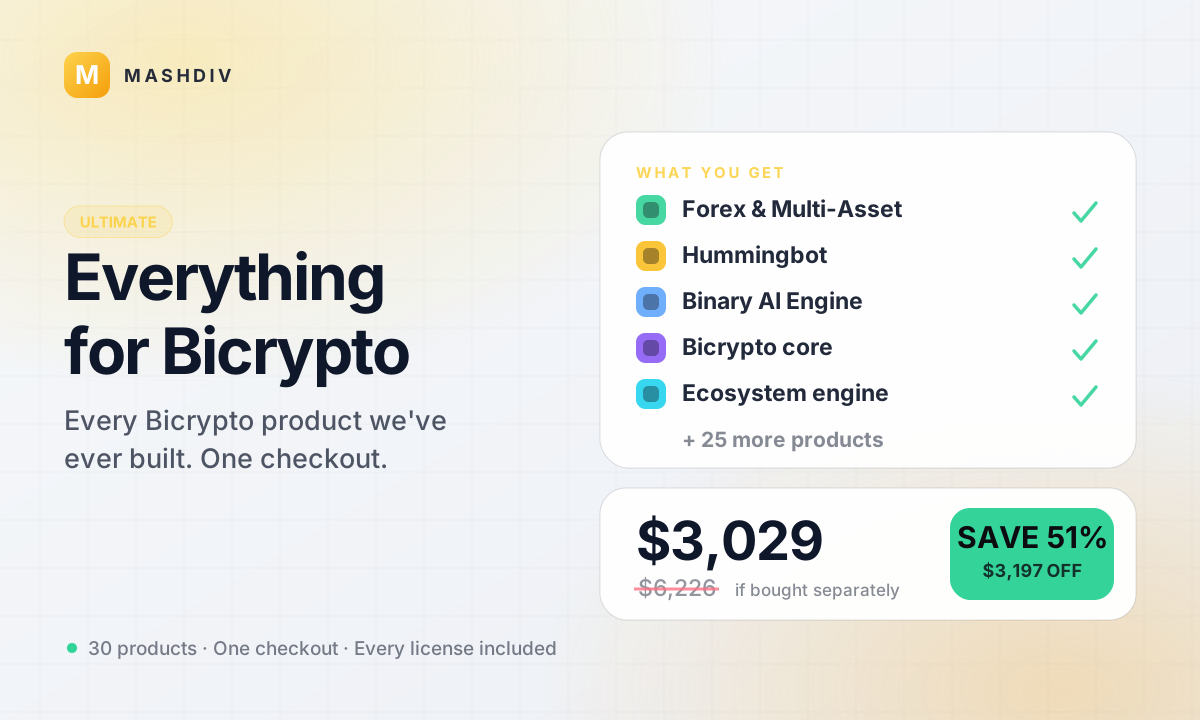 ULTIMATE
Everything for Bicrypto
Every Bicrypto product we make — every addon, every chain, both apps, one price.
- Forex & Multi-Asset Trading
- Web3 Wallet & On-Chain Trading
- Instant Convert
- Hummingbot Connector
- + 30 more


Growth & Marketing Pack
Acquire, activate, and retain — the complete growth toolkit for your exchange.
- MLM & Affiliate System
- FAQ System for Bicrypto
- MailWizard for Bicrypto
- AI Support Agent for Bicrypto
Keep exploring
Related products
 Addon
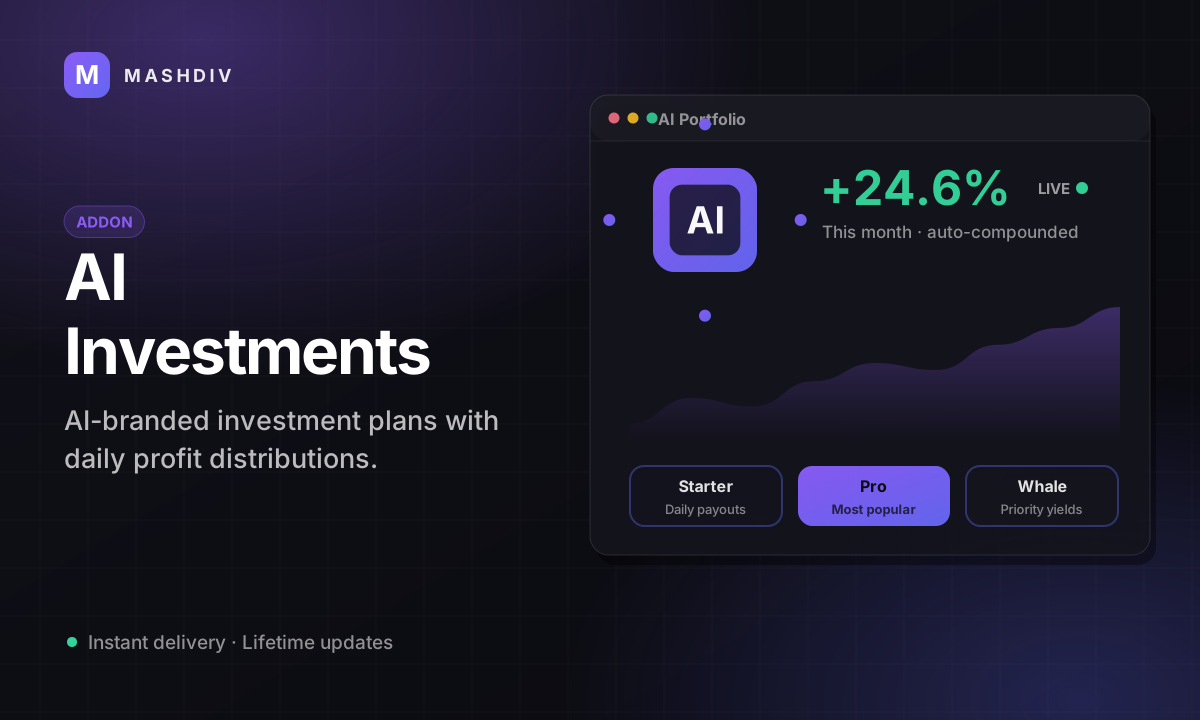
AddonAI Investments for Bicrypto
A duration-based investment product where you set the term, the rate and the outcome — and fund it yourself.
 Addon
AddonForex Investment for Bicrypto
Run a managed forex desk: you set the plan, the term and the payout, and settlement runs itself hourly.
 Addon
AddonMLM & Affiliate System
Your members bring the next ones, and you pay commission only when a referral actually deposits or trades.