Chart Engine for Bicrypto
Own the screen traders stare at all day: 144 indicators, 73 drawing tools, painted from your palette.
- 144 indicators in seven categories, each with its own parameters and colours
- 73 drawing tools — the full Fibonacci, Gann and pitchfork families included
- Five chart types and nine timeframes, switching automatically as you zoom out
- Binary orders on the price: entry, expiry line, countdown and P/L shading
- Spot and futures orders with take-profit, stop-loss and fill marks drawn in
- Price alerts that can carry a limit order on the binary desk
- Automatic candlestick, chart and harmonic pattern detection from the candles
- Divergence detection against RSI, MACD, Stochastic, CCI, OBV and MFI
- Multi-timeframe mini-charts, so a trader can check agreement before acting
- Replay historical candles at 0.5x to 10x, with a practice balance
- Templates carrying indicators, drawings, chart type and timeframe to any market
- Every colour read from your site palette — light and dark come free
Inside Chart Engine
The screen your traders live on — and you own it
Candles, 225 indicators, 132 drawing tools, price alerts, pattern detection and replay, drawn on a canvas that ships inside your build and paints from your palette — not embedded from somebody else's, in an iframe you cannot reach into.
In detail
Your traders judge the whole platform by one screen, and on a stock install that screen belongs to somebody else. Chart Engine replaces the embedded third-party widget with a charting library that ships inside your own build: candlestick, line, area, bar and Heikin-Ashi charts drawn on a canvas it controls, in the palette you set in Appearance & Design, aware of every order your customers place.
How it works
Chart Engine is a frontend package, not a service. It has no database tables, no cron jobs, no API routes and no seeders of its own — it mounts inside screens the platform already ships, reads the candle endpoints those screens already use, and keeps itself current on the same market socket. Indicator maths runs in the browser behind a 200-entry cache keyed on a hash of the candle series that deliberately ignores the live candle's price, so a tick that only moves the current close recalculates nothing. Colour is never configured: each design token is read out of the page's computed style inside the render loop, which is the only way a canvas can follow a CSS palette at all.
What you can run
| Surface | What the chart draws |
|---|---|
| Binary trading | Entry markers, barrier and strike lines, the expiry line, a countdown and profit-and-loss shading |
| Spot and futures | Order markers with take-profit and stop-loss lines and fill ticks |
| Trading Pro workspace | The same spot and futures presentation inside the multi-panel layout |
| Bot terminal | A strategy's grid rungs, band edges, average entry, stop, trailing stop and every fill |
Alongside the price: 144 indicators in seven categories, 73 drawing tools in eight, and eight analysis panels — alerts, aggregated signals, pattern and divergence detection, multi-timeframe mini-charts, a volume heatmap, replay and saved templates.
What operators control
- Which chart the binary trading page mounts, from Binary Settings
- Which chart every other trading screen mounts, from Trading Settings — one answer covers the classic pages and the Pro workspace
- The palette the canvas paints from, in Appearance & Design — colour is the one design token it resolves at draw time; the chart's own type stack and corner radii are fixed in the package
- Nothing else, deliberately. Indicators, drawings, alerts and templates belong to each trader's browser; there is no server copy to push, seed or inspect
Chart Engine is an addon for Bicrypto. It is detected at build time, so enabling it means rebuilding the frontend — files landing on disk change nothing until that happens. It has no backend: if candles are missing, stale or wrong, the fault is upstream in the market data, and no chart setting will fix it. And keep the licence current — an hourly heartbeat that reads back revoked or expired sets both chart settings to the fallback provider with no banner and no audit row, so charts that change on their own are a billing problem, not a bug.
It draws the order, not just the price
Because the chart is yours it can draw things a hosted widget has no concept of. A binary contract gets its entry line, its expiry line, a countdown box and profit-and-loss shading between entry and the mark. Spot and futures switch that furniture off and switch on take-profit and stop-loss lines and fill ticks. Which presentation you get is decided by the screen the chart is mounted in, not by a setting somebody has to remember.
The fourth presentation is the bot terminal — a strategy's grid rungs, average entry, stop and every fill, with a control dock on the canvas. That screen ships with Algo Trading Bots, a separate licence.
It keeps watching after the trader looks away
A price alert watches for a crossing — above, below, or either way — and fires on the transition rather than on a comparison, so a price that gaps straight through a level still triggers it. Each alert carries its own sound, browser-notification and repeat switches. On the binary desk it can also carry a limit order that goes to the order path the moment it fires.
Alerts live in that trader's browser, fifty of them, alongside their drawings and templates. There is no server copy, nothing syncs between devices, and an administrator cannot see or seed them.
It paints from your palette, on every frame
A canvas takes colour as a string, so a chart cannot use your stylesheet — unless it reads it. Chart Engine resolves every design token out of the page's computed style inside the render loop and drops the cache when the theme changes, which is why the grounds, grid, axes, crosshair, order markers and series lines match the rest of your site in light and in dark. Series take a validated six-slot ramp in order; up and down have their own tokens and never borrow from it.
Colour is the only design token the canvas resolves — the chart's own type stack and corner radii are constants in the package, not values it reads from Site Design. The trade-off is that there is nothing to tune per chart or per market: fifteen colour fields were once declared in chart settings and read by nothing, and they were removed rather than migrated.
132 drawing tools, and your indicator is in there
Lines, Fibonacci, pitchforks, Gann, shapes, pattern scaffolds, annotations, measurement and crypto — nine groups, and the counts add up to 132 on the page you are reading. Indicators come in eight categories, each a module with its own parameters, its own price source and its own colour per output, so you can stack the same one twice on different periods and tell them apart. Every drawing is anchored to a time and a price rather than to a pixel, which is why it is still in the right place after a pan, a zoom or a timeframe change.
The magnet that snaps a drawing to the nearest candle value is on by default, and undo and redo cover the current chart. Every indicator carries a built-in guide — what it is, how to read it, what to watch for — which is the difference between shipping a list of acronyms and shipping something a trader will actually turn on.
- indicators
- 225
- drawing tools
- 132
- analysis panels
- 8
- chart presentations
- 4
Everything included
124 capabilities, in 11 areas
Every item below exists in the source you receive. Nothing here is a roadmap.
The chart surface
Everything a trader touches before they add anything to it.
- Candlestick, line, area, bar (OHLC) and Heikin-Ashi
- Nine timeframes, 1m through 1w
- Automatic timeframe promotion and demotion as you zoom past readable candles
- Scroll to zoom, drag to pan, pinch and swipe on touch devices
- Volume bars keyed to each candle's direction
- Crosshair with live price and time axis labels
- OHLCV tooltip on the hovered candle
- On-chart legend, with a compact form on narrow screens
- Reset view — one click back to the live candle
- Fullscreen, and a PNG screenshot named for the market and the moment
- Projected next candles drawn ahead of the live one
- Skeleton candles while the first fetch is in flight
- Right-click menu on a drawing or an indicator panel
- Offline banner while the price socket is down
Indicators
Eight categories, every one a self-contained module with its own settings.
- Moving averages — SMA, EMA, WMA, HMA, ALMA, KAMA, McGinley, GMMA, crosses and channels
- Oscillators — RSI, MACD, Stochastic, CCI, MFI, TSI, Vortex, Connors RSI and more
- Volatility — Bollinger, ATR, Keltner, Donchian, Chandelier Exit, Ulcer Index
- Volume — OBV, VWAP, Chaikin Money Flow, volume profile, Twiggs Money Flow
- Trend — Ichimoku, Parabolic SAR, Supertrend, ZigZag, Schaff Trend Cycle
- Advanced — squeeze momentum, market profile, Williams Alligator, SMI Ergodic
- Pattern recognition — candlestick, chart and harmonic pattern indicators
- Statistics — Z-score, percentile rank, rolling Sharpe and Sortino, drawdown, cumulative return, skewness, excess kurtosis, Hurst exponent, efficiency ratio, fractal dimension index
- Overlay indicators on the price panel; panel indicators stacked below, each with its own price axis
- Editable parameters per instance — periods, thresholds, multipliers, MA type
- Price source per indicator: close, open, high, low, HL/2, HLC/3, OHLC/4
- Per-output colour and line width, on every series an indicator draws
- More than one of the same indicator, each with its own settings and colour slot
- A built-in trading guide on every indicator: what it is, how to read it, tips
- Search on name, short name and description, with All, Favourites and Active tabs
- Settings, guide, move up, move down and remove on each panel header
- Results cached per parameter set — a tick that only moves the live close recalculates nothing
Drawing tools
132 tools in nine groups, anchored to a time and a price rather than a pixel.
- Lines — trend line, ray, extended line, arrow, info line, trend angle, horizontal and vertical lines, horizontal ray, cross line, parallel and disjoint channels, regression trend, flat top/bottom, anchored VWAP
- Fibonacci — retracement, extension, channel, time zones, fan, arcs, circles, spiral, wedge
- Pitchfork — Andrews', Schiff, modified Schiff, inside
- Gann — box, square, fixed square, fan
- Shapes — rectangle, ellipse, triangle, arc, polyline, polygon, brush, highlighter
- Pattern scaffolds — head and shoulders, double top, double bottom, wedge, triangle, flag, ABCD, Elliott wave
- Annotations — text, note, anchored note, callout, balloon, signpost, price label, badge, flag, arrow, icon and emoji markers
- Measurement — price range, date range, date and price range, ruler, angle, percent change, bars pattern, forecast, price and time projection, risk/reward, long and short position
- Crypto — order block, breaker block, fair value gap, liquidity level, liquidity void, market structure, optimal trade entry, balanced price range, range equilibrium, session range, power of three
- Magnet snapping to the nearest candle value, on by default
- Undo and redo across the current chart's drawings
- Remove all drawings for this market, behind a confirmation
- Inline text editing directly on the canvas
- Drawings survive pan, zoom and a timeframe change, and are kept per market
Price alerts
The chart keeps watching after the trader looks away.
- Crosses above, crosses below, or crosses in either direction
- Fires on the transition, so a price that gaps through a level still triggers
- Four states: active, triggered, expired, disabled
- Per-alert sound, browser notification and repeat switches
- Optional message and optional alert expiry
- Created by clicking the price axis, with a live hover preview of the level
- Condition chosen automatically from where the level sits against price
- Alert lines and labels drawn on the chart, with detail on hover
- An attached limit order on the binary desk — side, amount and its own validity window
- Up to 50 alerts per browser, across every market, counted against the ceiling in the panel
Analysis panels
Eight overlays, each opened from the toolbar and closed with Esc.
- Signals — buy and sell events aggregated from every indicator on the chart
- Net direction, a confidence score, and per-indicator counts so you see who is talking
- Signal strength as weak, moderate, strong and very strong, drawn as one hue at four weights
- Patterns — candlestick, chart and harmonic detection straight from the candles
- Direction, strength, still-forming and still-recent flags, and a shaded reversal zone on harmonics
- Divergence — against RSI, MACD, Stochastic, CCI, OBV and MFI
- Regular (reversal) and hidden (continuation) divergence, bullish and bearish, with confirmation state
- Multi-timeframe — 1m, 5m, 15m, 1h, 4h and 1d side by side
- Per timeframe: trend, strength, RSI, momentum, price against EMA 20/50/200, plus an agreement score
- A mini candle chart per timeframe with its own EMA
- Volume heatmap over the price axis — volume, volatility or activity
- Four heatmap colour schemes, with opacity, bucket count and legend adjustable
Replay and templates
Watch a session unfold, and carry a workspace between markets.
- Historical candles played back through the live chart
- 0.5x, 1x, 2x, 5x and 10x, changeable while playing
- Play, pause, resume, stop and a scrubber you can seek with
- Range presets, or a custom start date and time
- Practice mode with a starting balance for paper trades against the recorded candles
- Templates carrying indicators, drawings, chart type and timeframe as one object
- Four ship by default: Clean Chart, Trend Following, Scalping Setup, Volume Analysis
- Save, favourite, duplicate and delete your own, up to 20 per browser
- Export a template as JSON and import one back from a file
Orders and positions on the price
The overlays a hosted widget has no concept of.
- Binary entry markers with a direction arrow
- Barrier lines for higher/lower, touch/no-touch and turbo
- Strike lines for call/put
- Expiry lines and a live countdown box
- Profit-and-loss shading between entry and the mark, animated as it moves
- Win and loss markers, with a celebration effect, sound and haptic feedback
- Order tooltips carrying amount, entry, payout and state
- A grouped-marker badge when several orders land on one candle
- Spot and futures order markers with take-profit and stop-loss lines and fill ticks
- Every completed order logged to a local trading journal
The bot terminal
Algorithmic mode — the chart as a window onto a strategy already trading.
- Ten kinds of strategy level: grid buy and sell, band edges, average entry, take profit, stop loss, trailing stop, peak, entry trigger
- Four level states — armed, filled, triggered, inactive — each reading differently on the axis
- A stem on any rung backed by a live resting order, so intention reads apart from instruction
- Dense-ladder labelling: past 14 levels only band edges, inventory rungs and the six nearest price are labelled
- Operating band captioned GRID RANGE, flipping to OUT OF RANGE when price leaves it
- Trade legs drawn from entry to exit
- Floating cockpit: status, paper or live, profit and loss, open position, win rate, trade count, volume
- Allocated, in-use and available capital, current drawdown, and the last engine error with its count
- A tick heartbeat that names a stalled bot rather than leaving it looking healthy
- Start, pause, resume, stop and close-position, with two-step confirmation on the destructive pair
- The strategy's own indicators mirrored onto the chart, and never written to the trader's saved list
Presentation and placement
Which furniture appears is decided by the screen, not by a setting.
- Four presentations: binary, spot, futures and algorithmic
- Order types offered per presentation, from rise/fall through to stop-limit
- Full-size layout for binary and the bot terminal, compact for spot and futures
- Draws on six screens: binary trading, the classic trade page, the Trading Pro workspace, the Forex workspace, the Swap workspace and the bot terminal
- Falls back to the embedded provider on any screen where the addon is absent
- Toolbar, drawing rail and panel text run through the platform's translation layer
- In-chart notification centre, toasts and notification settings
Colour and theme
A canvas takes colour as a string — so this one reads yours.
- Every canvas colour resolved from the site's design tokens inside the render loop
- The cache drops itself the moment the theme class on the page changes
- Grounds, grid, axes, crosshair, candles, order markers and every panel follow the palette
- A validated six-slot series ramp for indicator lines, assigned in fixed order
- Sequential lightness ramps for ordered series such as GMMA ribbons and Fibonacci ladders
- Up and down carry their own tokens and never borrow from the series ramp
- Light and dark from one set of tokens — there is no second palette to maintain
- Fibonacci defaults resolved at draw time, so old drawings follow the theme like new ones
Data and performance
What it asks the server for, and what it refuses to ask twice.
- Five market types: CEX spot, Ecosystem, futures, forex and on-chain swap pairs
- Historical candles over HTTP, live candles on the matching market socket
- Client candle cache keyed by market, timeframe and the hour the window centres on
- In-flight de-duplication, a two-second repeat guard and a thirty-second refetch window
- History fetched as you pan, debounced to one request at a time
- Responses discarded when the market, timeframe or zoom anchor changed mid-flight
- A ceiling on candles held in memory, and on bot levels and trade legs drawn
- Everything sized from the measured container, so a phone downloads less than a 4K monitor
- Device pixel ratio clamped, which is the largest saving made on a high-density tablet
- Two stacked canvases, so moving the crosshair never repaints the candles
- Redraws on a change — a tick, a pan, a zoom — never on a timer
- Symbols normalised to BASE/QUOTE from slashed, dashed, underscored or concatenated input
- Licence
- Licensed addon, full source. Activated in the extension manager.
- Requires
- Bicrypto core, licensed separately, and nothing else. Chart Engine has no database tables, no API routes, no cron jobs and no seeders of its own.
- Runs on
- Your existing frontend. It is a package that mounts inside screens core already ships — no new process, no new port, no queue.
- Install
- Detected at build time by a file-existence check, so the frontend must be rebuilt after the files land. Every screen imports a stub that always exists and a module alias redirects it to the real package, which is why an install without the addon still builds cleanly.
- Admin surface
- Two settings: which chart the binary trading page mounts, and which chart every other trading screen mounts. The second one covers the classic pages and the Trading Pro workspace together.
- Access control
- No permission keys of its own. Both settings sit behind core's existing binary-settings and system-settings gates.
- Where it draws
- Six screens: binary trading, the classic trade page, the Trading Pro workspace, the Forex workspace, the Swap workspace and the Algo Trading Bots terminal.
- Analysis surface
- Eight indicator categories, 132 drawing tools in nine groups, eight analysis panels, five chart types and nine timeframes.
- Data sources
- Five market types, each with its own candle endpoint and market socket: CEX spot, Ecosystem, futures, forex and on-chain swap pairs.
- Works with
- Ecosystem for native markets, Futures for perpetuals, Forex Multi-Asset Trading for FX, the Swap addon for on-chain pairs, and Algo Trading Bots for the bot terminal. None is required; each is licensed separately.
- Nothing is stored on your server
- Indicators, drawings, alerts, templates and favourites live in each trader's browser. There is no server copy, nothing syncs between devices, there is no export, and an administrator can neither see them nor seed them. Clearing site data resets them.
- You cannot push a setup to your users
- There is no default indicator set to seed, no way to lock a chart type, and no per-market colour. The only administrative choices are which screens mount the chart at all.
- Colour is the only token it reads
- The chart's own type stack, corner radii and spacing are constants in the package. Fifteen colour fields once declared in chart settings were read by nothing and were removed rather than migrated, so there is nothing to tune per chart or per market.
- It is a chart, not a market data service
- No backend, no candle store, no reconciliation. If candles are missing, stale or wrong the fault is upstream in the price feed or the market's own configuration, and no chart setting will fix it.
- It never places an order by itself
- A triggered alert's limit order and every bot control call back into the host screen. On a bot terminal manual entry is off entirely, so a hand-placed fill cannot land in the strategy's profit and loss.
- A lapsed licence rewrites your settings
- The hourly heartbeat reacts to a revoked or expired result by setting both chart settings back to the embedded provider and clearing the cache. There is no banner, no notification and no audit row — charts that change provider on their own are a billing problem, not a bug.
- Ceilings a busy trader will meet
- 50 price alerts and 20 templates per browser, 2,000 candles held in memory, and 240 bot levels and 120 trade legs drawn. Panning a long way back and jumping to the present refetches, because the old candles were dropped.
- The keyboard is not bound
- Esc cancels an in-progress drawing and closes any open panel. Nothing else is bound — including the shortcut hints printed on the drawing toolbar's own buttons.
- Source edits need two rebuilds
- The app loads the package's built bundle, so a customised source is invisible until the package is rebuilt and then the frontend around it — in that order.
Loved by customers
Reviews
No reviews yet. Own it? Share your experience.
Own this product? Sign in to leave a review.
Better together
Bundles containing this product
Get Chart Engine for Bicrypto for less as part of a bundle.
 ULTIMATE
Everything for Bicrypto
Every Bicrypto product we make — every addon, every chain, both apps, one price.
- Forex & Multi-Asset Trading
- Web3 Wallet & On-Chain Trading
- Instant Convert
- Hummingbot Connector
- + 30 more
 PRO
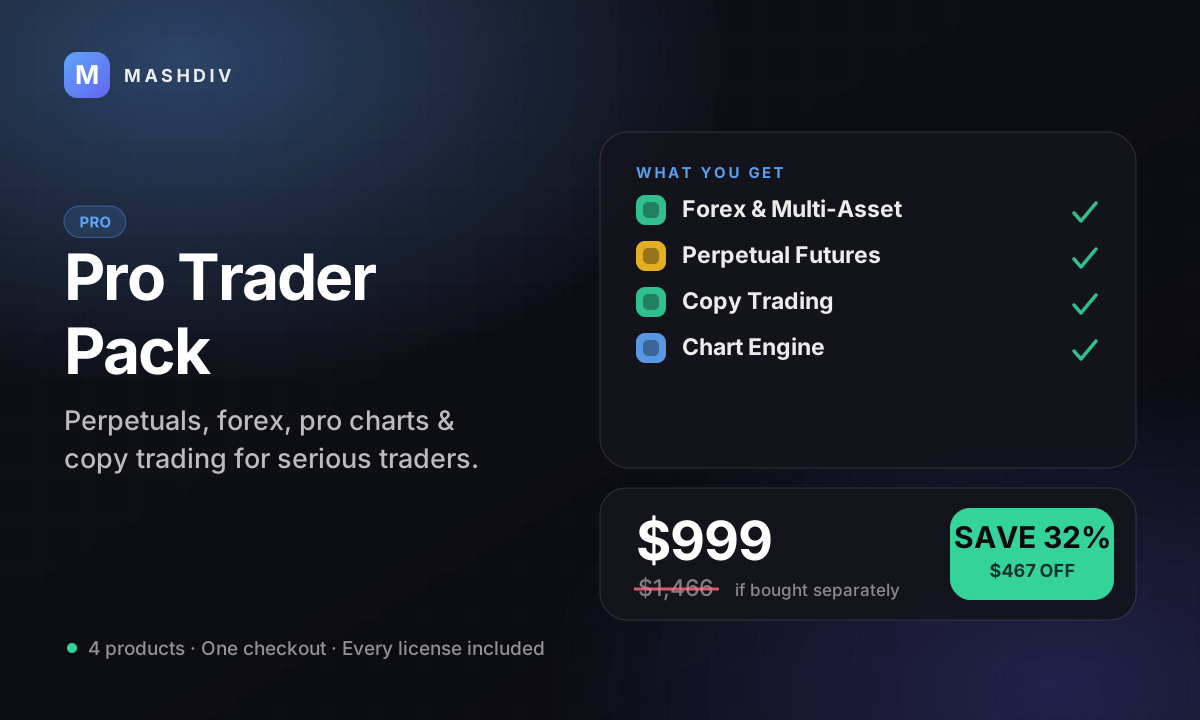
PROPro Trader Pack
The advanced-trading stack: perpetuals, forex, pro charts, and copy trading.
- Forex & Multi-Asset Trading
- Trading Bot for Bicrypto
- Futures Trading for Bicrypto
- Copy Trading for Bicrypto
- + 1 more
Keep exploring
Related products
 Addon
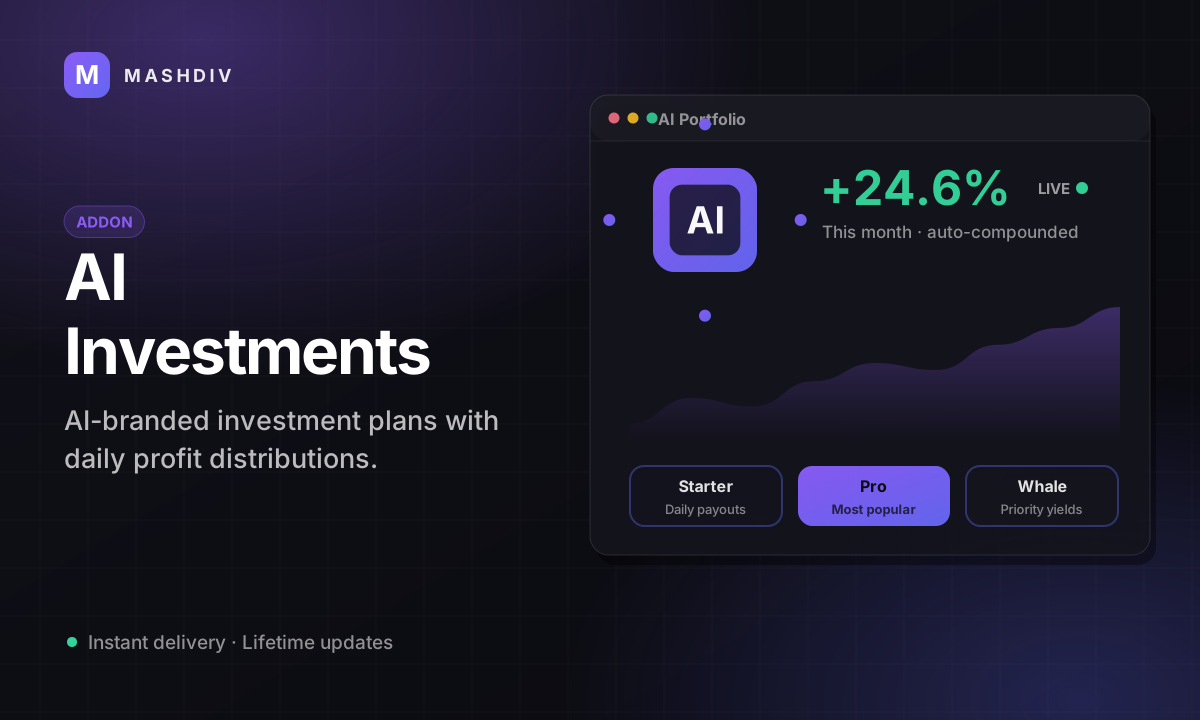
AddonAI Investments for Bicrypto
A duration-based investment product where you set the term, the rate and the outcome — and fund it yourself.
 Addon
AddonForex Investment for Bicrypto
Run a managed forex desk: you set the plan, the term and the payout, and settlement runs itself hourly.
 Addon
AddonMLM & Affiliate System
Your members bring the next ones, and you pay commission only when a referral actually deposits or trades.