Bicrypto
Run a real exchange from one install — spot and binary desks, wallets, verification and the console behind them.
- Spot desk with MARKET and LIMIT orders and GTC, IOC, FOK, PO time-in-force
- Binary desk with five contract types and payouts you set per type and duration
- Automatic binary settlement — the scheduler closes every ticket as it expires
- 16 built-in deposit gateways, so taking card and bank money is a credential
- Withdrawals hold in a queue for manual release — nothing leaves without you
- 51 verification feature gates in 15 groups, wired to levels you define
- 715 permission keys over four roles, so support never loads a finance screen
- Multi-currency wallets with internal transfers and full transaction history
- Email, SMS and authenticator 2FA, Google sign-in, and IP-locked personal API keys
- 90-language interface, installable as a PWA, with web push notifications
- Blog, page builder, announcements and a support ticket desk, all built in
- 23 addons install through the extension manager — futures, P2P, staking, NFT
Inside Bicrypto
A finance platform, not a template
Accounts, verification, wallets, money in and out, two trading desks and the admin panel that runs all of it — on your own server, with nothing between you and your customers' balances.
In detail
Bicrypto is a self-hosted crypto exchange you own outright. One install gives you accounts, verification, multi-currency wallets, money in and out, a spot desk, a binary-options desk and the admin console that runs all of it — on your own server, with nothing sitting between you and your customers' balances.
How it works
A customer registers, passes the verification level you require, funds a wallet through a payment gateway and trades. Spot is a connection rather than a venue: markets, currencies, deposit networks and every price are read from one centralized exchange provider at a time. Binary contracts read either that same connection or the Ecosystem addon's own markets, and the scheduler settles each ticket the moment it expires — you are not closing positions by hand.
What your customers can trade
| Desk | Order shapes | Yours to set |
|---|---|---|
| Spot | MARKET and LIMIT, with GTC, IOC, FOK and PO | listed markets, fee margins, precision |
| Binary | five contract types on a duration ladder from one minute | payout %, barrier ladders, durations, stake caps |
Rise/fall is enabled out of the box. Higher/lower, touch/no-touch, call/put and turbo all ship switched off, waiting until you have priced their ladders.
What operators control
Users and roles across **715 permission keys**, so a support account never loads a finance screen. **51 verification feature gates** in 15 groups, wired to levels you define. **16 built-in deposit gateways**. A withdrawal queue that holds every request for manual release, because that is the shipped default. Fee margins, notification templates for email, SMS, push and in-app, a blog and page builder, geo restrictions, an append-only audit trail, scheduled-task monitoring and one-click updates.
What it grows into
Twenty-three addons install on top through the extension manager — futures, P2P, staking, launchpad, ecommerce, MLM, forex, copy trading, NFT, on-chain wallets and more — so the platform expands without being rebuilt.
Both desks need a price feed and that is a separate licence: a Binance, KuCoin or XT provider, or the Ecosystem addon's own markets. Verification gates also decide nothing until KYC enforcement is switched on, and it ships off. Budget for the provider, and turn enforcement on before you launch rather than after.
A binary desk with the margin dial in your hand
Customers buy a contract, watch it run and get settled automatically against the market price. Five contract types ship — rise/fall, higher/lower, touch/no-touch, call/put and turbo — and the payout percentage, the barrier ladders and the duration menu are all yours to set. Rise/fall is enabled out of the box; the other four are a switch away once you have priced them. Turbo is the one that can settle on a tick count instead of a clock; every other type runs on the minute ladder.
Prices for both desks come from one connection you choose: a licensed exchange provider — Binance, KuCoin or XT — or the Ecosystem addon's own markets. Budget for one of them alongside the core.
Verification decides what a customer may do — 51 ways
A verification level is a set of feature ids, and the platform ships 51 of them across 15 groups: trading, wallets, staking, p2p, NFT, the payment gateway and the rest. You build the ladder — what each level asks for, what it unlocks, and what stays locked until somebody sends a document. A customer holds the union of every level they have passed, and each approve or reject runs one decision path that emails them.
The per-level switches decide nothing until KYC enforcement is turned on, and it ships off. Turn it on before launch, not after.
Sixteen ways in, one door out, and you hold it
Sixteen card and bank gateways are built in, so taking a deposit is a credential and a switch rather than an integration project. Withdrawals land in a queue instead of leaving: auto-approve ships as false, and the comment in the source says why — manual is the safe default. Flip it when volume makes a human in the loop the bottleneck rather than the control.
Hand someone a job without handing them the platform
Every admin route declares the permission key it requires, and there are 715 of them — one per action, not one per screen. Four roles ship, seeded empty on purpose: which keys a role holds is a decision you make rather than a default you have to undo. Somebody on support can read the withdrawal queue and be unable to release from it, and see the customer record without being able to delete one.
The check runs on the route, so a missing key is a 403 and not a hidden button — pasting the URL fails the same way clicking would have. Super Admin is the single bypass. There is a demo mode that additionally refuses every write on an admin route to anyone who is not Super Admin, which is what makes a public sandbox safe to hand out.
The core is the socket the other thirty-three plug into
Accounts, verification, wallets, the money paths and the admin panel are the platform; the desks and marketplaces are addons that register into it. Twenty-three of them appear in the extension manager alongside the blockchain modules and the exchange providers, each as a row with its own licence, its own version and its own update flag. Enabling one is a licence and a switch — the navigation, the screens and the permission keys arrive with it.
An addon you have not licensed is listed and stays off, so the manager doubles as the catalogue. Buying the core first and adding desks as you need them is the intended path, and nothing you enable later requires reinstalling what is already running.
- deposit gateways
- 16
- verification gates
- 51
- permission keys
- 715
- addons that plug in
- 23
Everything included
138 capabilities, in 15 areas
Every item below exists in the source you receive. Nothing here is a roadmap.
Accounts and access
Who gets in, and what they can reach once they are.
- Email and password registration with email verification
- Google sign-in
- Wallet sign-in for an address already linked to an account
- Two-factor by email, SMS or authenticator app
- Password reset and forced re-verification flows
- Four seeded roles over 715 permission keys, editable per role
- A permissions screen listing every key, and which roles hold it
- Per-screen and per-action permission gates across the admin panel
- Personal API keys with an IP allow-list
- A separate audit log for every call made with an API key
- Sessions that survive a restart, with a 14-day life
- Block, suspend or delete a user, with the reason recorded
- A per-user activity log of what they did and when
- Impersonation-free admin: staff act on their own keys
The customer record
One screen per customer, with everything about them on it — because support questions arrive about a person, not about a subsystem.
- A customer list you can filter, sort and export
- A per-customer record with profile, status and role
- Every wallet the customer holds, with balances and history
- Their orders across all four desks, on the same record
- Their verification level and application history
- Their support tickets, in the same place
- Their transactions, transfers and deposits
- A per-addon tab appears on the record as each addon is enabled
- Block, suspend or restore from the record itself
- Manual balance adjustment, recorded in the audit trail
Verification and compliance
The gate between a registration and a funded account.
- Verification levels you define, each with its own dynamic form
- A form builder per level — fields, types, and which are required
- 51 feature ids across 15 groups, assigned per level
- A customer holds the union of every level they have passed
- Application queue with approve, reject and request-more-information
- Per-application detail with the submitted documents
- One decision path that emails the applicant on every outcome
- Third-party verification services, with a connection test
- Geo restrictions by country, allow-list or block-list
- A separate geo policy screen for what a blocked visitor sees
- A blocked-attempt log with the country and the route refused
- Append-only audit trail of every administrative action
- The audit trail records the actor, the route, the result and the payload
Wallets and money in
Every route a customer's money can take to reach you.
- Spot, fiat and ecosystem wallets per customer
- 16 built-in card and bank gateways, each individually switchable
- Per-gateway credentials, currencies and fee rules
- Manual deposit methods you define, with custom fields
- Deposit records with per-transaction detail and manual intervention
- A deposit a customer says they made, findable by reference
- Fiat and spot currency catalogs, each currency switchable
- Per-currency precision and display settings
- Currency icons, uploadable from the panel
- Internal transfers between a customer's own wallets
- User-to-user transfers with full history
- A wallet management screen across every customer and type
- Transaction ledger across every type and status
Money out
The queue, and the switch that decides whether there is one.
- Withdrawal queue holding every request for manual release
- Auto-approve as a single setting — manual is the shipped default
- Withdrawal methods you define, with their own fee rules
- Per-transaction detail, approval and rejection with a reason
- A rejection returns the funds and tells the customer why
- Step-up two-factor on a payout, when your policy asks for it
- Withdrawal records searchable independently of the queue
- Platform profit ledger, separated from customer balances
The order desks and the ledger
Four desks can run on this platform, and every one of them reports into the same finance screens.
- A revenue analytics screen covering every source of platform income
- Spot order desk with the full order history
- Binary order desk, settled tickets included
- Ecosystem order desk, when that addon is installed
- Futures order desk, when that addon is installed
- A single transaction log spanning every desk and wallet type
- Internal transfer records with both sides on one row
- Filter, sort and export on every one of these tables
- Trading settings shared across the desks
Spot trading
A trading desk backed by one exchange account you connect.
- MARKET and LIMIT orders — time in force is your provider's default
- Live order book, trade tape and candlestick charts over WebSocket
- Watchlists and price alerts
- Market list curated by you, with per-market fee margins
- Currency catalog and precision controlled per market
- Exchange provider screen: connect, test and switch the account
- Exchange balance, fee and chart views in the admin panel
- Order history across spot, binary, ecosystem and futures desks
Binary options
The house desk, and every dial on it.
- Five contract types: rise/fall, higher/lower, touch/no-touch, call/put, turbo
- Payout percentage set per type, adjusted per duration
- Barrier and strike ladders per type
- Duration ladder you define; turbo can settle on ticks instead of a clock
- Per-market stake limits
- Practice mode separated from live, switchable per contract type
- Automatic settlement by the scheduler as each ticket expires
- Binary market list with its own price source per market
- Create and edit a binary market from the panel
- A settings screen for the desk as a whole
Investment plans
The simplest product on the platform, and the one that needs no desk.
- Named plans with minimum and maximum amounts
- Durations attached per plan, in hours, days, weeks or months
- One duration table reused across plans
- Investment history with per-position detail
- Automatic settlement on a schedule
- Per-plan results reporting
Notifications and messaging
Everything the platform sends, and where you edit it.
- Notification templates for email, SMS, push and in-app
- Each template editable in the panel, per channel
- A notification service screen showing what is enabled
- SMS provider configuration, switchable per provider
- Platform announcements shown in the app
- A market news feed you curate
- Web push notifications
- An installable PWA, so the platform sits on a phone home screen
- In-app notification centre per customer
Support
The desk your customers reach you on.
- Support ticket desk with per-ticket conversation
- Ticket detail with the whole thread and attachments
- A separate tickets table for triage
- Ticket status that tracks whose turn it is, not just open or closed
- The customer's tickets also visible on their own record
The storefront
The parts of the public site you edit without a developer.
- Page builder with a block editor, for the landing page and beyond
- A default-pages editor for the pages that always exist
- Media library
- Homepage sliders
- Navigation menus, edited in the admin panel
- Footer editor
- Site design controls, with a token specimen page to check them against
- Appearance settings — light and dark, both shipped
- Site logo and favicon upload
Publishing and the blog
A full blog, not a news widget — nine screens of its own, because organic traffic is how most of these platforms are found.
- Posts, with a rich editor and a draft state
- Create and edit screens per post
- Categories
- Tags
- Authors, with an application flow for contributors
- Comments, with moderation
- Blog settings of its own
- Public author, category and tag pages on the site
- SEO-addressable post URLs
Operations
What you need to run it on a Tuesday afternoon.
- Platform settings across every subsystem, in one screen
- Scheduled-task monitor showing every cron job and its last run
- A cron job can be stopped and started from that screen
- Database backup from the admin panel
- Extension manager: install, licence and enable each addon
- A per-extension detail screen with its own status
- Licence activation for core and every addon
- Update checker with one-click platform updates
- System health view
- An admin dashboard with the platform's headline figures
Reach
Who can read it, and on what.
- 90-language interface, switchable per visitor
- Right-to-left layouts included
- Responsive across phone, tablet and desktop
- Light and dark themes, both shipped and both switchable
- 23 addons register in the extension manager and extend all of the above
- Licence
- Regular licence — full source, one production domain
- Runs on
- Your own Linux server. There is no hosted tier.
- Stack
- Next.js frontend, Node backend on uWebSockets, MySQL or MariaDB, Redis
- Processes
- Three under PM2: frontend, backend, and the cron worker
- Admin surface
- 81 admin screens
- Access control
- 715 permission keys over four seeded roles
- Deposit gateways
- 16 built in, plus manual methods you define
- Exchange providers
- Binance, KuCoin or XT — one active at a time, each licensed separately
- Addons
- 23 register in the extension manager, each licensed separately
- Sign-in methods
- Email and password, Google, or a linked wallet address — each switchable
- Two-factor
- Email, SMS or an authenticator app, with step-up prompts on withdrawals
- Verification surface
- Levels you define over 51 feature ids in 15 groups, each with its own form
- Languages
- 90, switchable per visitor, right-to-left layouts included
- Themes
- Light and dark both ship, both switchable, with a specimen page to check your edits against
- Content surface
- A page builder, a 9-screen blog, media library, sliders, menus and footer — all edited in the panel
- Notifications
- Email, SMS, web push and in-app, each with templates you edit
- Storage
- MySQL or MariaDB. Uploads go to disk on your own server, not to an object store.
- Backups
- Database backup from the admin panel. It covers MySQL — not your uploads directory.
- Spot needs a provider
- Spot markets, currencies, deposit networks and prices all come from the connected exchange account. Without a provider licence the spot desk has no data.
- Verification is off until you switch it on
- The 51 per-level feature gates decide nothing until KYC enforcement is enabled, and it ships disabled.
- No hosted anything
- You hold the database, the encryption keys, the withdrawal queue and the TLS certificate. Everything an exchange operator is answerable for is yours.
- The roles ship empty
- Four roles are seeded with no permissions attached. That is deliberate — a default grant is something you would have to discover and undo — but it does mean the first thing you do after install is decide what Admin and Support can reach.
- The core has no order book of its own
- Spot trades against the exchange account you connect. An in-house matching engine with your own books, your own listings and your own custody is the separate Ecosystem addon.
- One exchange provider at a time
- Binance, KuCoin and XT are three separate licences and exactly one can be the active connection. Switching is a settings change, not a migration, but there is no running two at once.
- Withdrawals need a human until you say otherwise
- Auto-approve ships as false and the comment in the source says why. That is the right default and it is also a staffing commitment — somebody has to work the queue from day one.
Loved by customers
Reviews
No reviews yet. Own it? Share your experience.
Own this product? Sign in to leave a review.
Better together
Bundles containing this product
Get Bicrypto for less as part of a bundle.
 MOST POPULAR
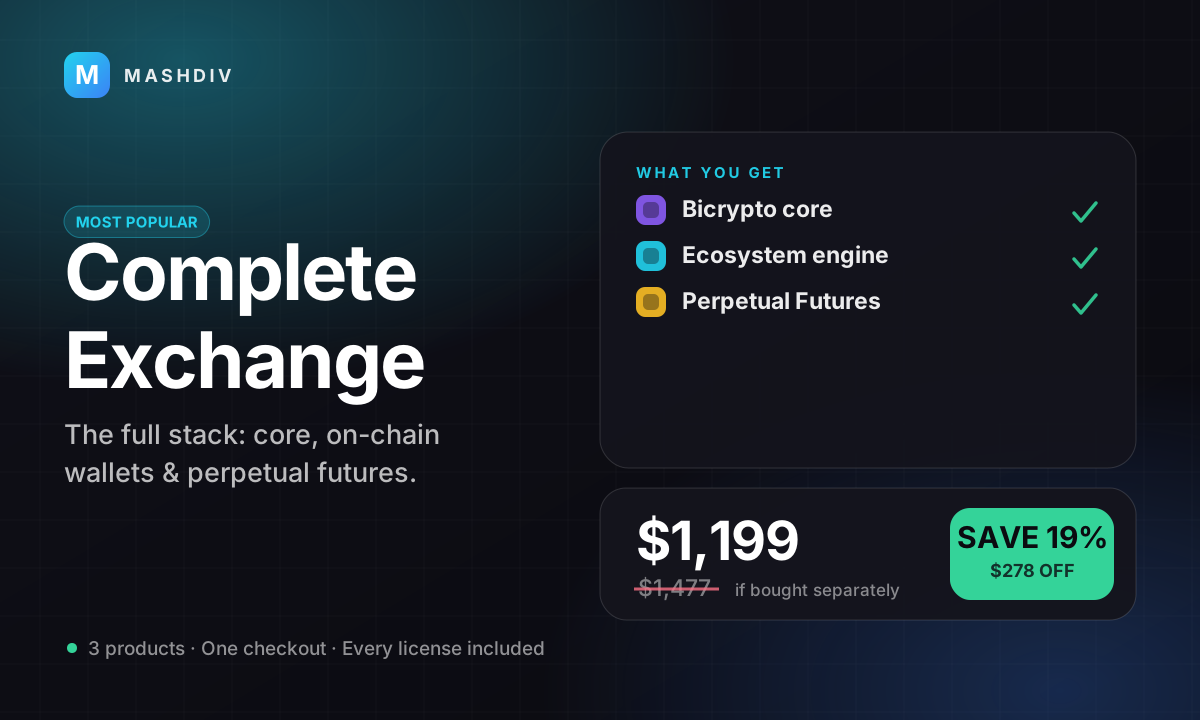
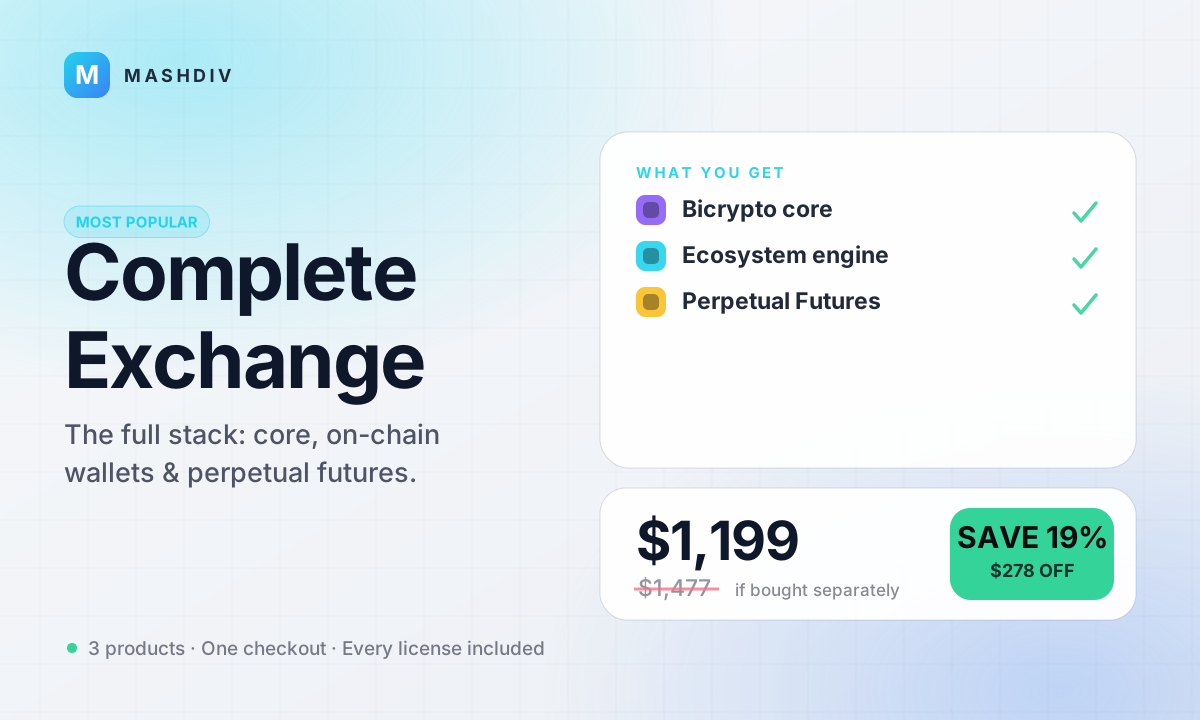
Complete Exchange
Your own engine, your own chains, your own perpetuals, and an on-chain desk beside them.
- Web3 Wallet & On-Chain Trading
- Instant Convert
- Bicrypto
- Ecosystem for Bicrypto
- + 1 more
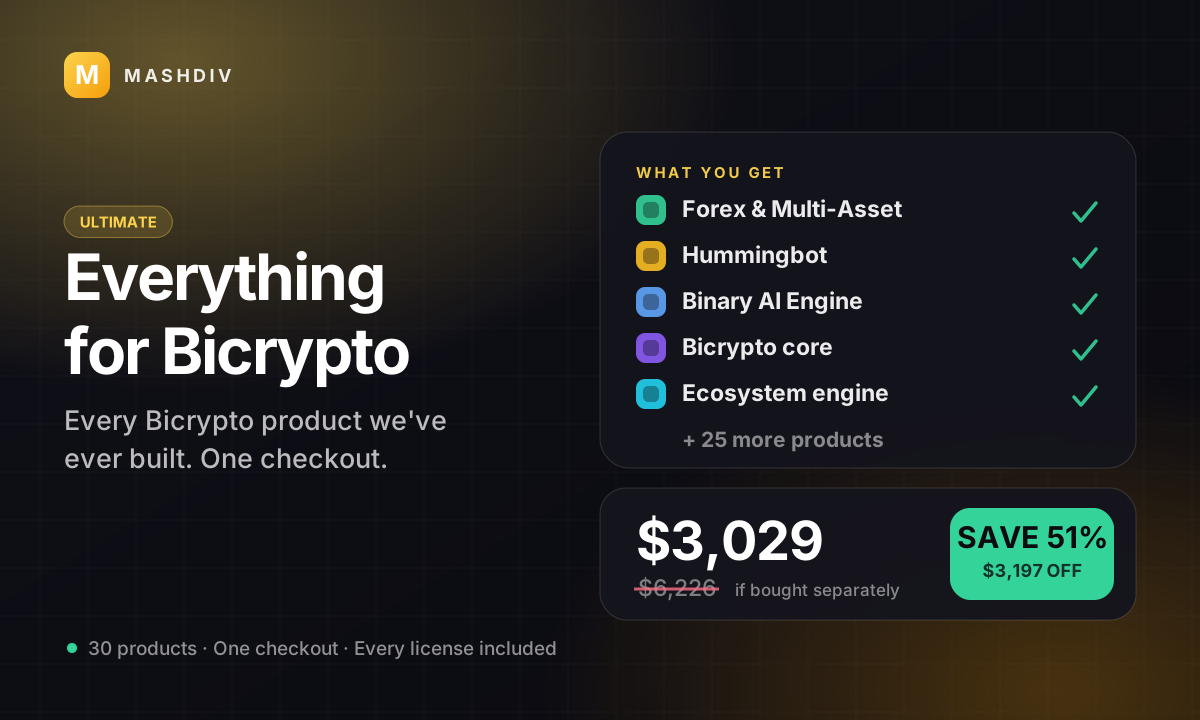
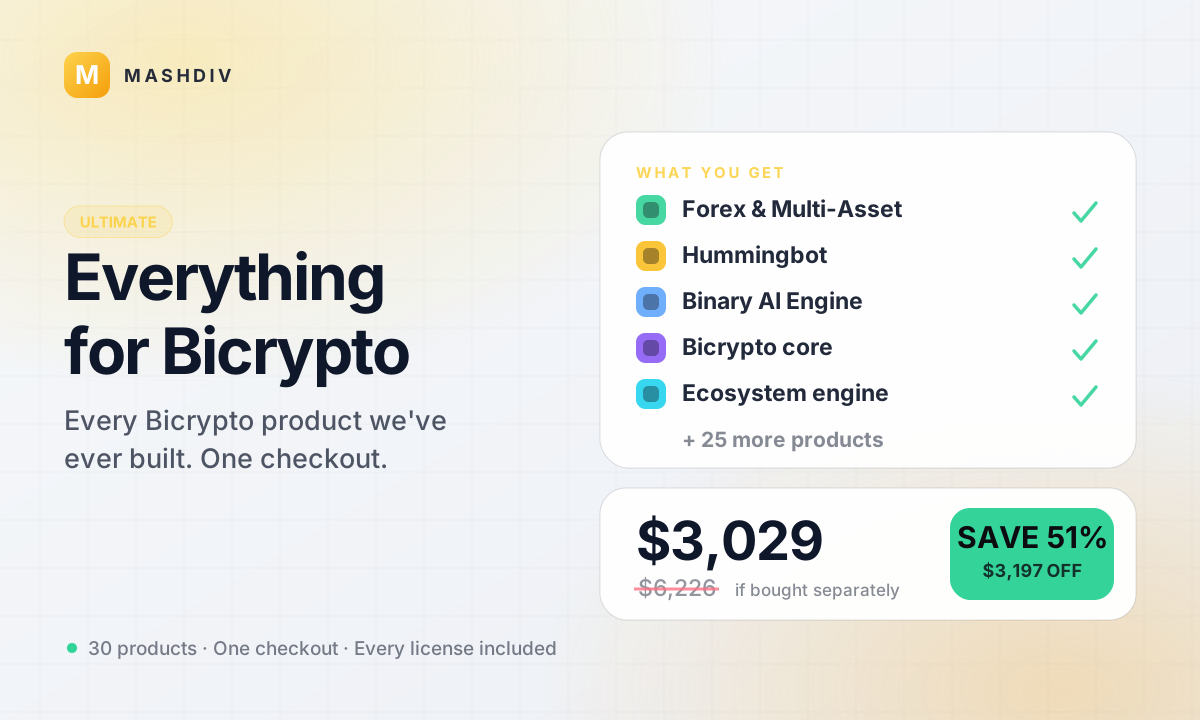 ULTIMATE
Everything for Bicrypto
Every Bicrypto product we make — every addon, every chain, both apps, one price.
- Forex & Multi-Asset Trading
- Web3 Wallet & On-Chain Trading
- Instant Convert
- Hummingbot Connector
- + 30 more
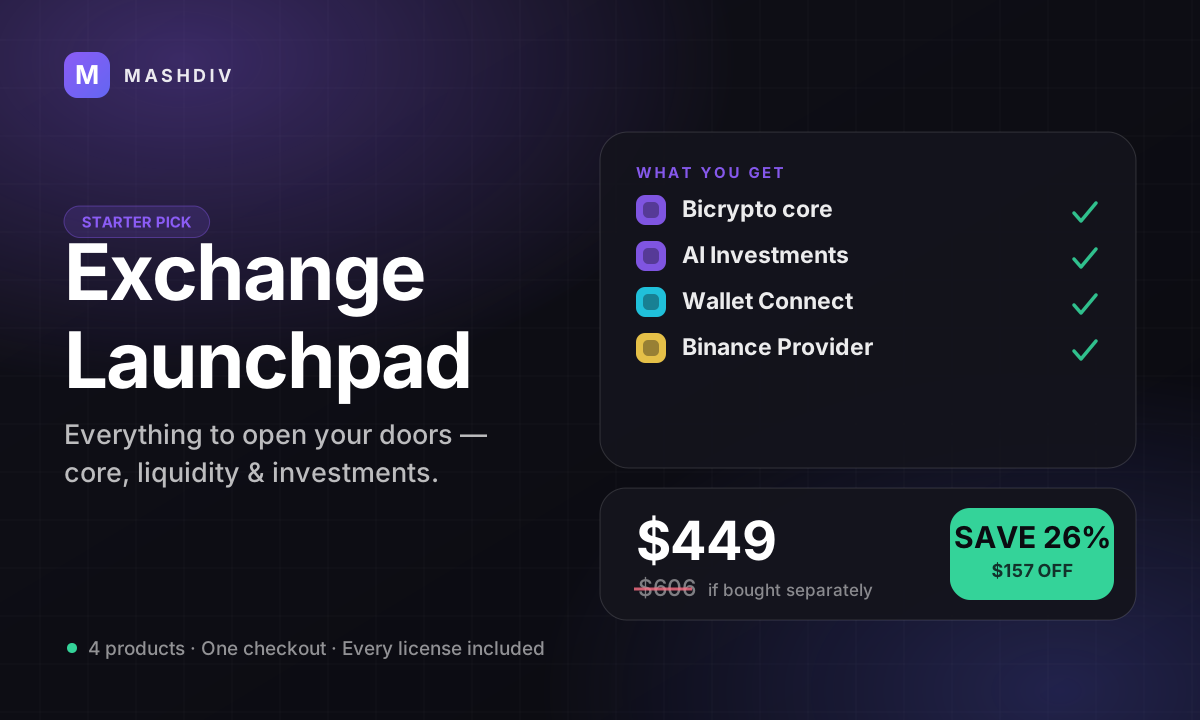
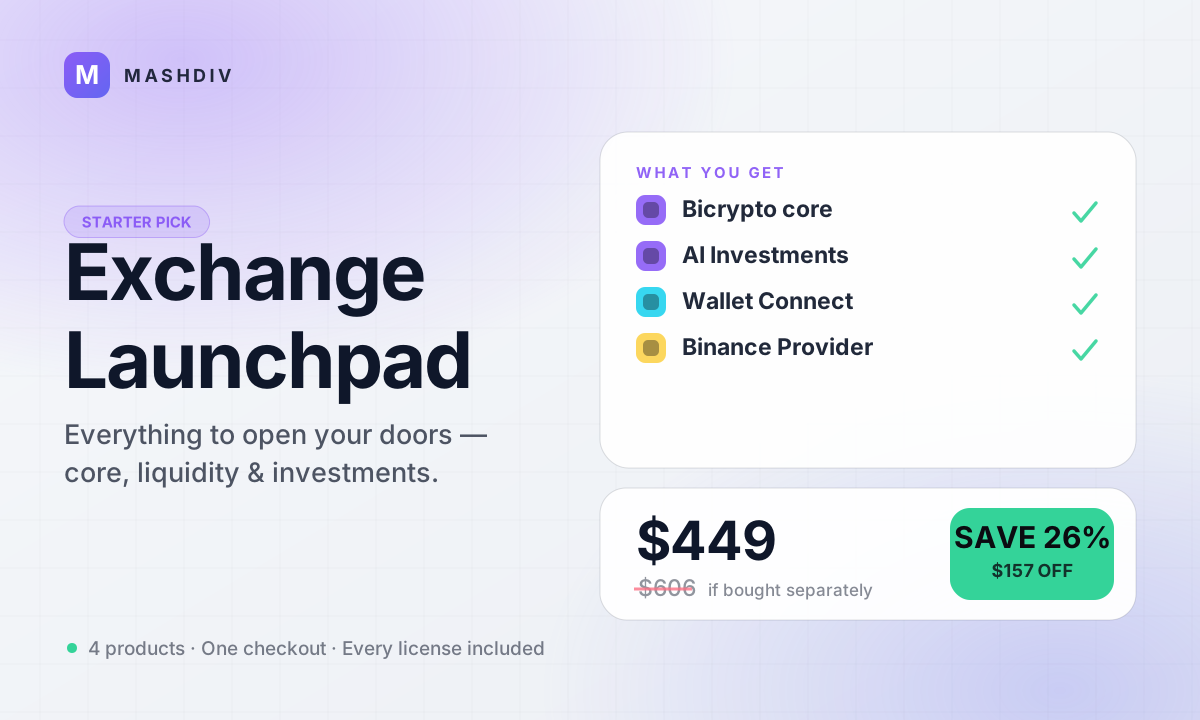 STARTER PICK
Exchange Launchpad
Everything you need to launch a liquid, revenue-ready exchange this week.
- Bicrypto
- AI Investments for Bicrypto
- Wallet Connect for Bicrypto
- Binance Exchange Provider